
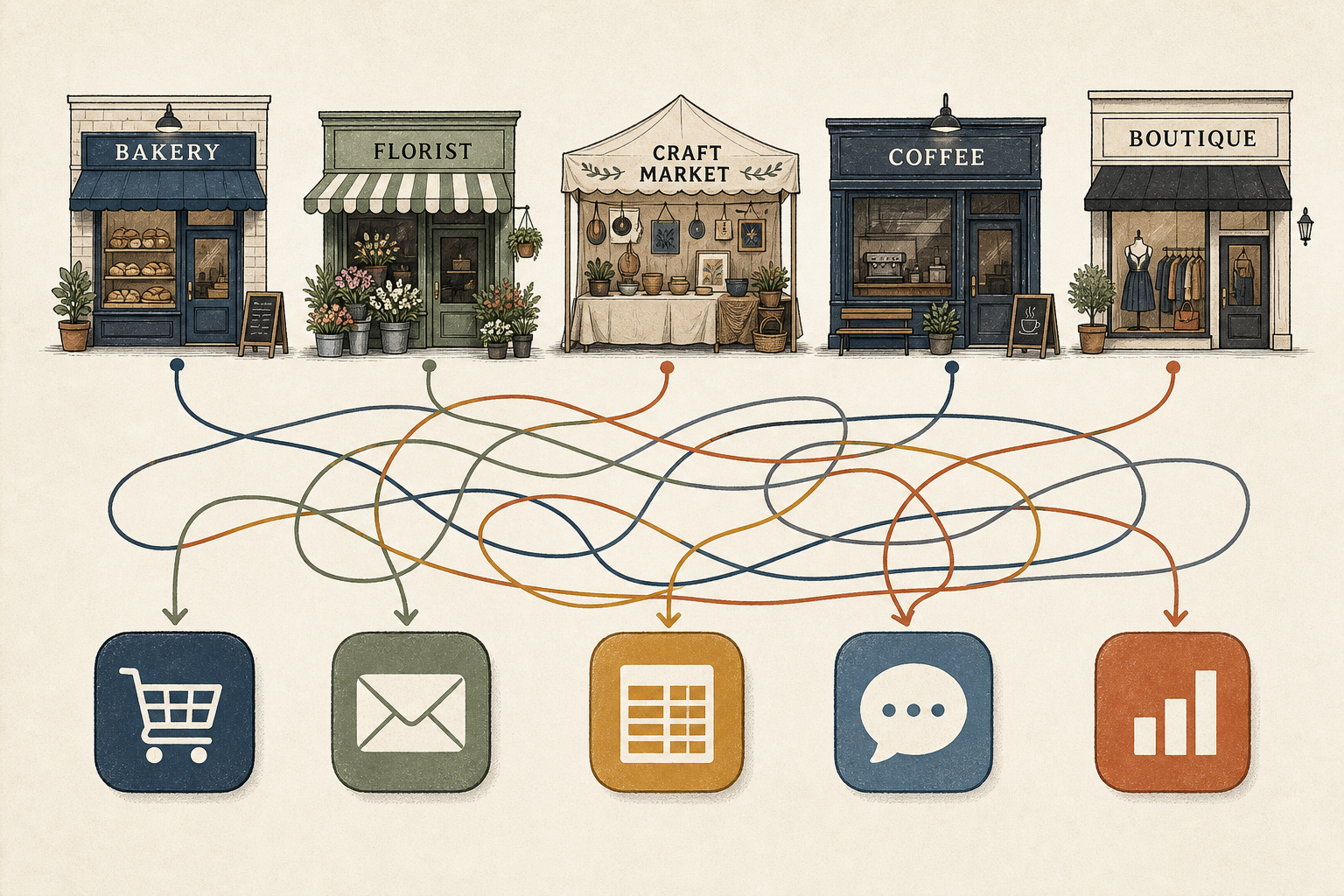
If you run more than one local business—or help several owners as an agency, market association, or co-op—you already know the patchwork. Shop A’s orders live in one cart admin. Shop B’s wholesale list is a Google Sheet someone updates on Sunday night. Shop C’s website messages forward to a personal Gmail account that also receives school notices and supplier invoices.
Each setup made sense when that venture launched. Over time, the pattern becomes expensive in ways that rarely show up on a single invoice.
The old habit: a URL and a spreadsheet per shop
The traditional multi-shop workflow looks familiar. Every storefront gets its own back-office login. Branding, product photos, and opening hours are updated site by site. When a weekend market adds three new stallholders, someone duplicates the same onboarding checklist into three folders and three spreadsheets.
That approach keeps data physically separated, which feels safe. It also multiplies friction. A promotion that should take an hour requires logging into four dashboards, exporting four order reports, and pasting figures into a master sheet before anyone knows whether stock aligned across locations. Industry analysts describe this kind of disconnected stack—sometimes called a “frankenstack”—as a collection of point tools held together by manual work rather than one operating system (Frankenstack: What It Is and How To Fix It).
Operational friction is the everyday tax. Teams reconcile the same facts twice, re-enter customer details, and build workarounds when a cart update does not match what the spreadsheet says. Those tasks slow inventory changes, returns, and campaign launches without appearing as a line item anywhere (Frankenstack: What It Is and How To Fix It).
Where the money actually goes
Subscription fees are only the visible part. Research on software sprawl finds that companies typically use about half of the licenses they pay for, while duplicate tools pile up across departments (How SaaS Sprawl Quietly Slows Business Growth). Gartner has warned that through 2027, organizations without centralized visibility over their software will overspend by at least 25% because of unused seats and overlapping products (The Future Is SaaS Management).
For a portfolio of small shops, the math is smaller in dollars but similar in shape. The honey seller, the leather worker, and the spice merchant each pay for their own form tool, email marketing add-on, and reporting export. Nobody tracks the overlap because each account sits under a different owner’s card.
Login overhead adds another quiet cost. Workers now touch dozens of applications across cloud services, accounting packages, and storefront admin panels (From password fatigue to productivity). Every additional password is another context switch—and another place an enquiry can sit unanswered while someone hunts for the right tab.
Platform operators feel the same drag from the other side. Supporting ten independent sites means ten sets of credentials to provision, ten privacy policies to maintain, and ten places where a misconfigured email forward can make customer messages vanish. The customer data never merges, but the administrative burden does.
One portal, many shops—without mixing customer records
A different model is gaining ground among groups that manage multiple ventures from one desk: a single authenticated portal where the operator picks which business they are working on, while the underlying records stay walled off.
In plain terms, that means one username and one morning routine. After sign-in, the user selects “Saturday market stall 12” or “Main Street bakery.” The screen shows that shop’s orders, branding, and message queue. Switching context takes seconds; copying a customer list from the bakery into the spice shop’s database does not happen, because the system treats each business as its own compartment.
The benefits are practical rather than technical:
- Fewer logins. Staff and volunteers stop maintaining a password notebook keyed to “which URL was that again?”
- Consistent onboarding. A market association can run the same stall setup steps for every new vendor—photos, banking details, return policy—without retyping the playbook into separate tools.
- Shared operational habits. Head office and part-time helpers review messages the same way they review orders: newest first, timestamp visible, channel labelled—rather than digging through mixed inboxes (Is Your Contact Form Killing Leads?).
- Separation by default. Wholesale buyers for one shop do not automatically appear in another shop’s mailing list. Enquiry records hold only what each customer submitted on that storefront’s form, which aligns with South Africa’s expectation under POPIA that personal information is collected for a stated purpose and kept no longer than necessary (POPIA and your practice website).
None of this requires operators to learn infrastructure jargon. The shift is from “open six tabs and pray the exports match” to “open one place, choose the business, act.”
What changes on a busy Monday
Consider a small business collective near Hartbeespoort that supports four member shops: a jarred-foods producer, a textile studio, a plant nursery, and a weekend coffee cart. Under the siloed pattern, the collective’s coordinator maintains four spreadsheets for stock counts, four website admin bookmarks, and a shared email alias that forwards everything into one chaotic thread.
On Monday morning, the coordinator’s first hour disappears into reconciliation—matching website orders against spreadsheet totals, asking each owner whether weekend messages were answered, and updating a master slide deck for the market’s social media.
Under a unified portal, the same person signs in once, switches between the four businesses, and sees four separate queues: orders waiting fulfilment, contact submissions with timestamps, and branding pages that pull from one template but display each shop’s name and colours. The coffee cart’s Saturday rush enquiries do not sit beside the nursery’s irrigation quote requests. The coordinator still works an hour—but more of it goes to customers and vendors, less to copy-paste.
Industry guidance on fragmented stacks suggests measuring the problem by asking whether any single person can map every tool, every owner, and every place customer data lives (Frankenstack: What It Is and How To Fix It). For multi-shop operators, that diagnostic often ends with a whiteboard full of arrows—and a realization that consolidation is an operational project, not an IT luxury.
Choosing consolidation without losing local character
Unifying operations does not mean every shop must look identical on the street. Shared playbooks can cover compliance checklists, message handling, and reporting cadence while each venture keeps its own logo, pricing, and product catalogue.
The decision is less about chasing the flashiest feature per shop and more about reducing the integration tax: duplicate subscriptions, manual exports, and delayed answers because nobody knew which inbox owned the enquiry. Analysts note that integration debt—the cost of keeping disconnected systems talking—often hurts daily work more than unused licenses alone (How SaaS Sprawl Quietly Slows Business Growth).
For agencies and associations, the payoff is scale without sprawl. Onboarding venture number eleven should not require inventing eleventh copies of the same spreadsheet. For owners with a second or third side business, it means evenings returned from admin work that duplicated what they already did somewhere else.
The hidden cost of running separate tools for every shop was never just the monthly software bill. It was the reconciliation nobody invoices for, the enquiry answered a day late because it landed in the wrong tab, and the coordinator who spends Monday morning being a human copy machine instead of a human partner to the businesses they serve.
References
- Frankenstack: What It Is and How To Fix It (2026)
- How SaaS Sprawl Quietly Slows Business Growth
- The Future Is SaaS Management – Why CIOs Should Act Now
- From password fatigue to productivity - How passkeys can make businesses more efficient and secure
- POPIA and your practice website: what you actually need to comply
- Is Your Contact Form Killing Leads?